
91 Club Invite Code: What It Does and How to Use One
An invite code links a new account to an existing member, unlocking bonuses for both sides. This page explains exactly where to enter one and how to find your own to share.
How to enter an invite code during sign-up
Start Registration
Open the registration page as you normally would.
Find the Invite Field
Look for the optional invite code box on the sign-up form.
Enter the Code
Type or paste the code your friend shared with you.
Complete Sign-Up
Finish registering as usual and both accounts get credited.
Benefits linked to invite codes
New Member Bonus
Registering with a valid code can qualify you for an extra welcome credit.
Referrer Rewards
The person who shared their code earns a reward once you make your first deposit.
Ongoing Commission
Some referral tiers continue rewarding activity from your linked account over time.
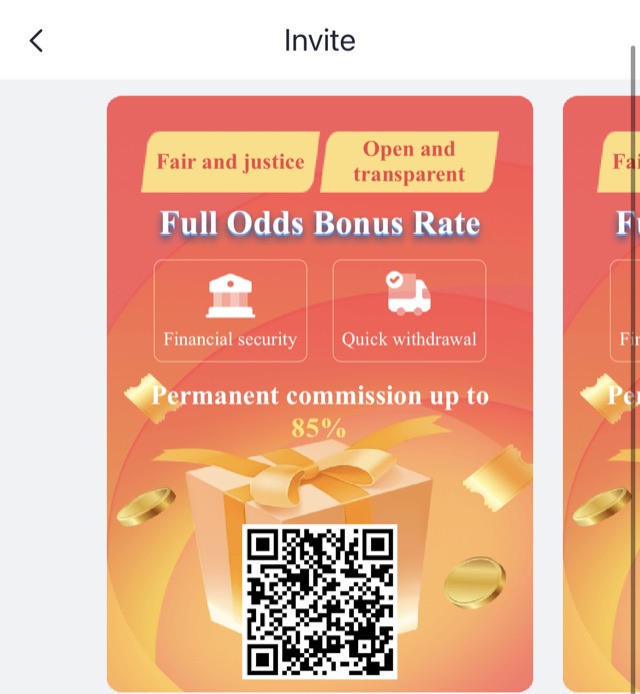
Understanding the difference
| Aspect | Invite Code | Gift Code |
|---|---|---|
| Purpose | Links two accounts as referral | Adds bonus balance directly |
| When it is used | Only during registration | Anytime it is valid |
| Who benefits | Both new and referring member | Only the person redeeming |
| Reusable? | Locked in once at sign-up | Single-use, changes each time |
Getting the most from your invite code
Every account comes with a unique invite code visible in the referral tab. Sharing it is as simple as sending the code, or a link containing it, to friends who might enjoy the platform. There is no limit on how many people can register using the same code.
For the full breakdown of referral tiers, commission percentages and payout timing, visit the 91 Club Referral page.